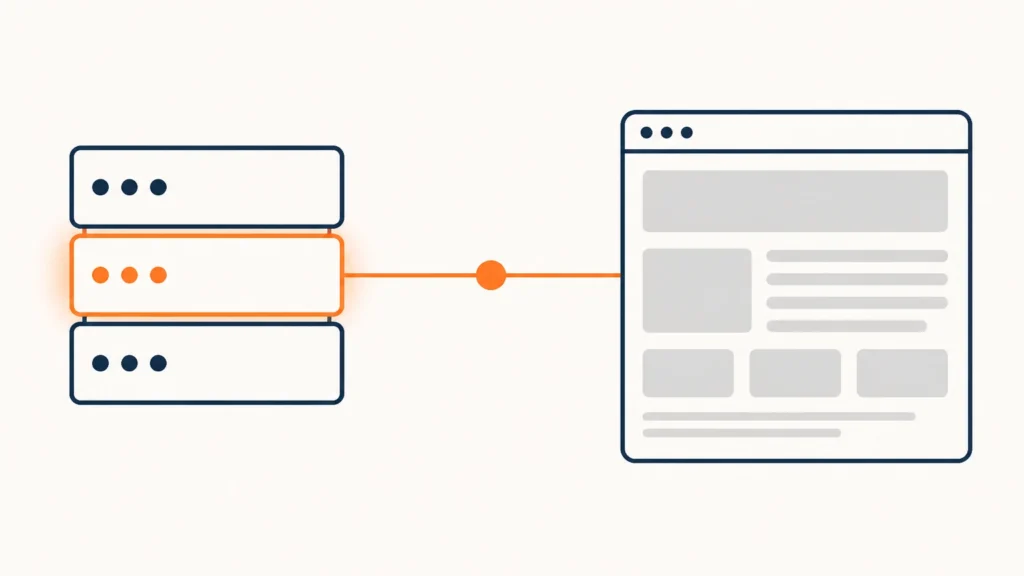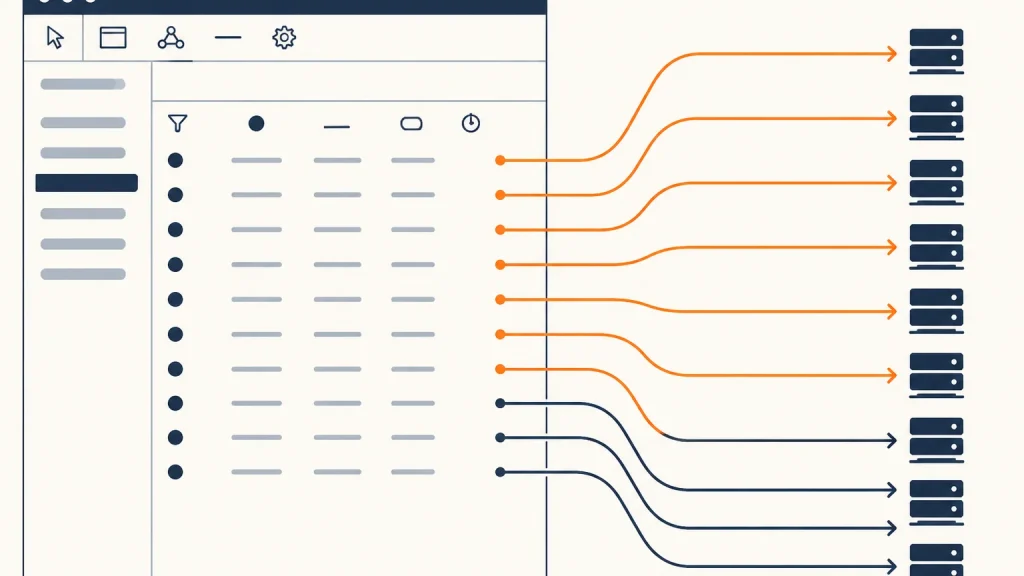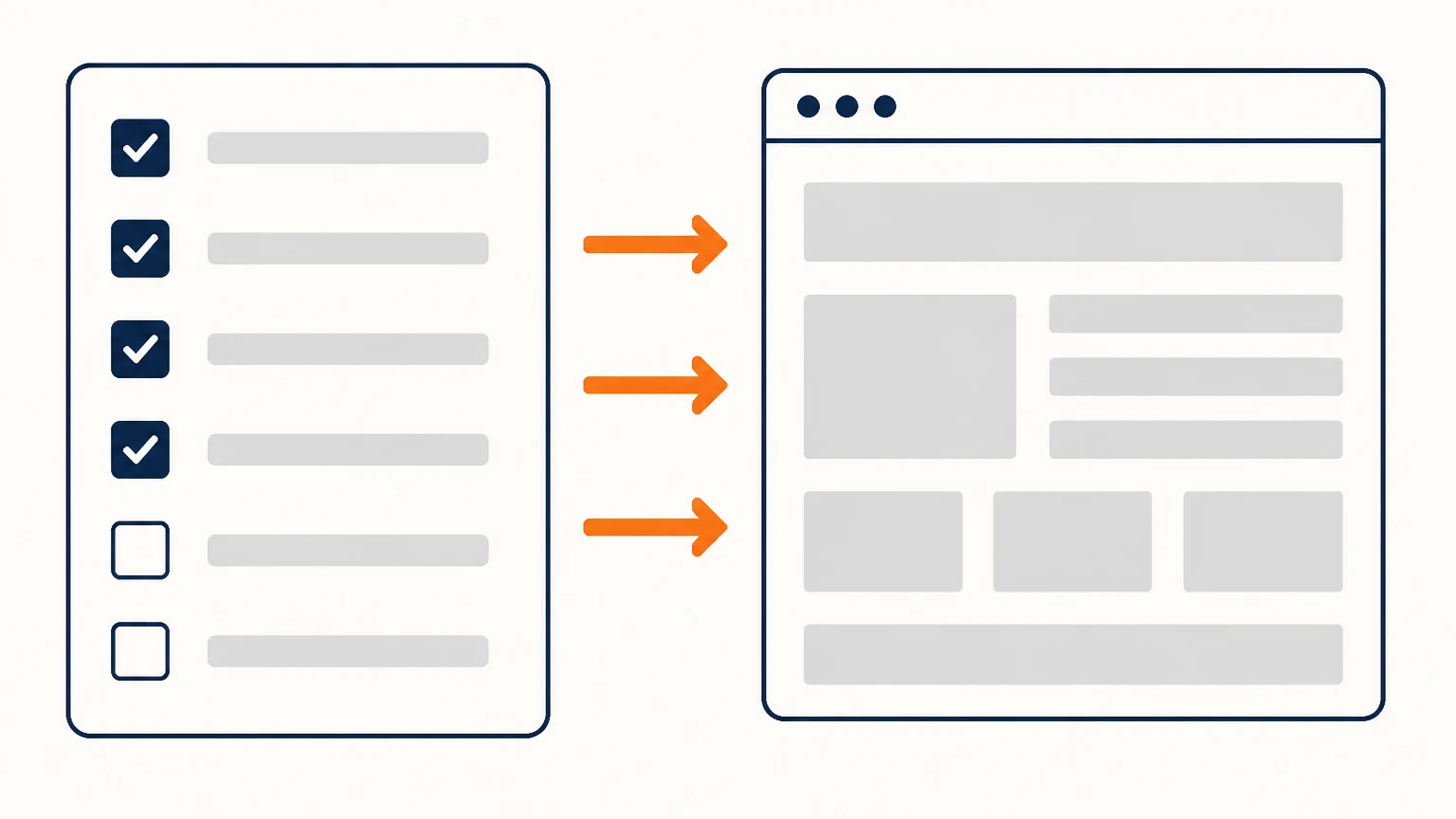
Advertising does not fix a website. It multiplies whatever is already there: a working site brings enquiries, a broken one brings an invoice for clicks. So the check belongs before the launch, not after the first report.
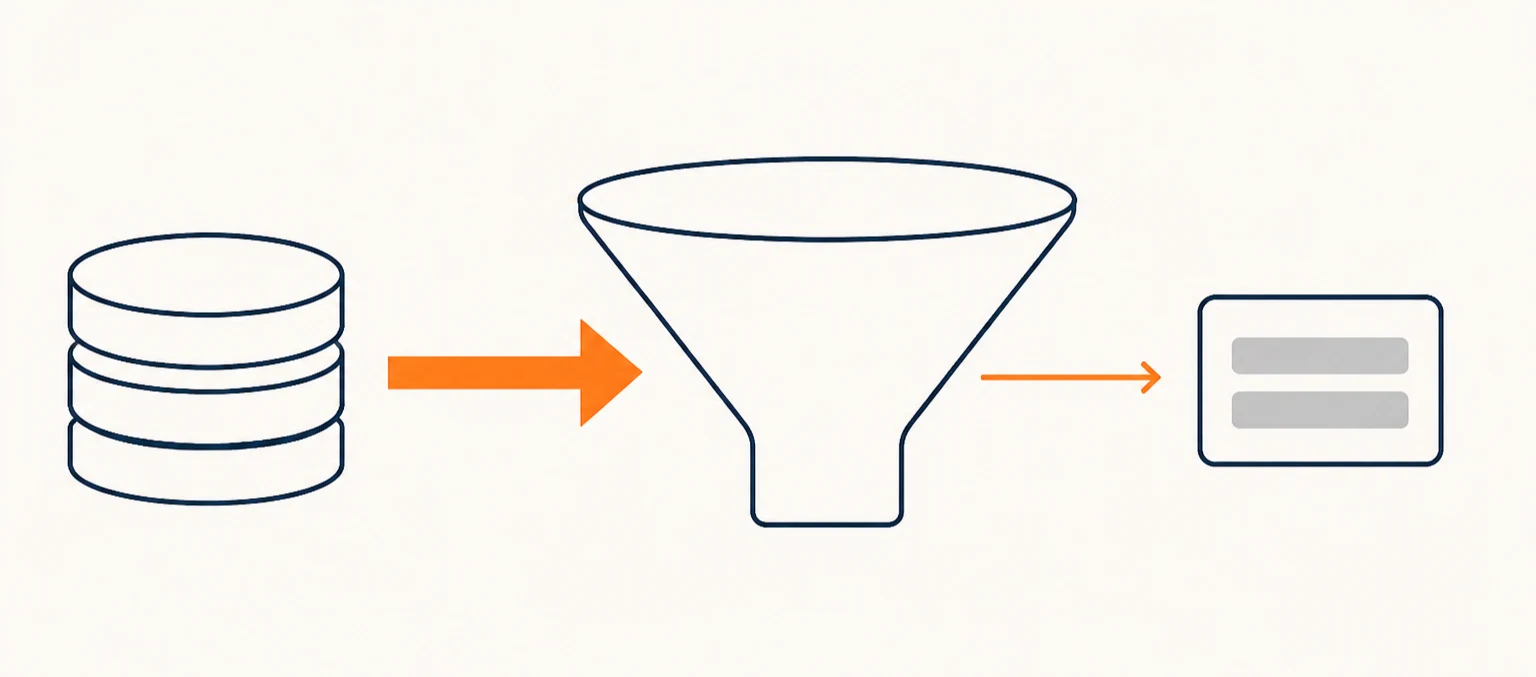
Below is the order in which I go through a site before paid traffic hits it. It is sorted not by importance in the abstract, but by what most often eats the budget.
1. Work out what you are buying
Three numbers must exist before the first ad: what you are willing to pay for an enquiry, what share of enquiries becomes a customer, and what a customer is worth. Without them any advertising report is a set of pretty charts you cannot act on.
If the site’s conversion rate is unknown, advertising will not reveal it — it will show a weighted average across every source at once. That has to be measured separately.
2. One path, not a fork
From the ad a person lands on a page and must understand three things within one screen: where they are, what is on offer, and what to do next. Everything else is interference. A fifteen-item menu, three competing buttons and “we also do…” all pull away from the action you paid for.
The test is simple: show the page to someone outside your industry and ask what they are meant to do. If they think for more than five seconds, paid traffic will drain away.
3. Technical: speed, mobile, forms
Measure speed on a phone over mobile data, not on your office laptop. Advertising almost always arrives on a phone, and a phone forgives far less.
- pages open on phone, tablet and desktop with no horizontal scrolling;
- forms send and the email actually arrives — check by post, not by assumption;
- no broken links or 404s anywhere on the route to an enquiry;
- the site opens over HTTPS with no browser warnings.
The most expensive technical fault is a form that silently fails to send. You pay for the clicks, the enquiries never arrive, and only a test will tell you.
4. The page the ad points to
Do not send traffic to the home page. A home page answers everyone at once and therefore nobody in particular. Each ad needs a page that continues its promise: if the ad names a price, the page shows that price; if the ad names a deadline, so does the page.
Check the wording too. A gap between ad and page is not only lost conversion — where price or terms are concerned, it is grounds for a complaint.
5. Analytics before launch, not after
Goals must be configured and tested in advance: form submission, call, booking. Otherwise you spend the first week blind, then a second week fixing counters, and you cannot compare the two periods.
Test it by hand: send an enquiry and confirm it appears in analytics and reaches the CRM. Two minutes of work saves a week of guessing.
6. Legal — especially in Germany
If you install advertising pixels, they must not fire before the visitor consents. A consent banner must make refusal as easy as acceptance: a “decline” button next to “accept”, equally prominent.
The site needs an imprint and a privacy policy, and the policy must name every service you pass data to. A pixel that is installed but undocumented is a classic hook for a warning letter.
The short list
- cost per enquiry, conversion rate and customer value are known;
- the page offers one obvious next step;
- speed checked on a phone, forms confirmed by email;
- the ad and the page promise the same thing;
- analytics goals configured and verified by a real submission;
- pixels stay silent until consent; policy and imprint in place.
If even one item is open, delay the launch by a day. A day is cheaper than a month of budget spent on a site that cannot take an enquiry.
Checked on 4 August 2026.