Advertising. This page contains, and may contain, affiliate links: if you sign up for hosting through one, I earn a commission. It does not change your price — it is the same as going direct.
Hosting is invisible right up to the day the site takes four seconds to open, form emails stop arriving, and support answers a day later with a template. Choosing by first-year price is the most common mistake: the gap between a cheap plan and a decent one is usually smaller than the value of a single lost enquiry.
Start with where the server physically stands
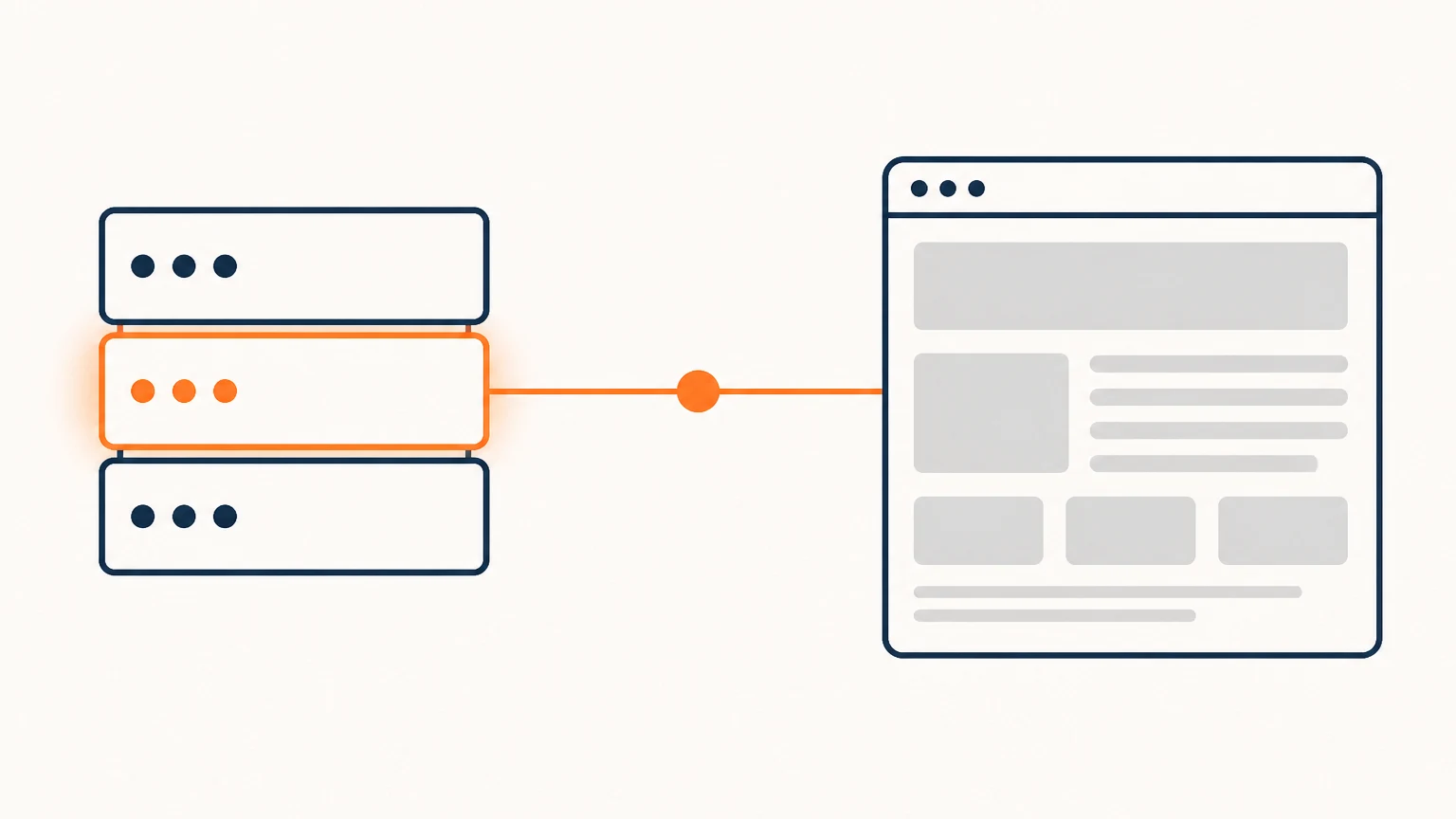
For a business in Europe that is a legal question as much as a speed one. If your customers’ personal data sits on a server outside the EU, you have to describe a transfer to a third country and justify it in your privacy policy. A server inside the EU removes a whole layer of that work.
Speed depends on geography more than people assume: every extra hop between continents is tens of milliseconds per request, and a page makes dozens of requests.
Three types of hosting, and when each fits
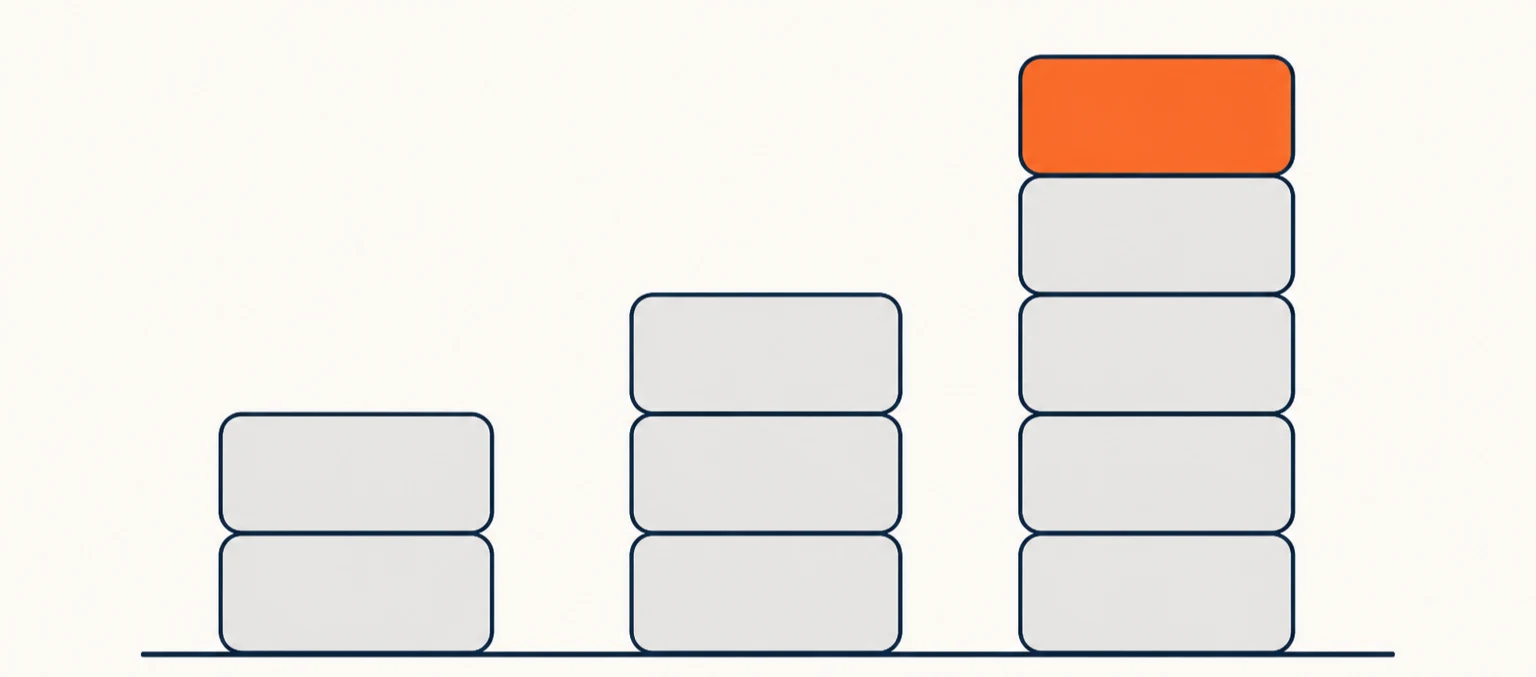
Shared hosting. Cheap; you share a server with hundreds of neighbours. Fine for a business card site or a low-traffic blog. The downside is the neighbours: someone else’s traffic spike slows your site.
Managed WordPress hosting. More expensive, but it takes over caching, updates, backups and protection. For most business sites this is the right answer: you are paying not to have to hire an administrator.
VPS or a dedicated server. Needed once you have a shop with thousands of products, customer accounts, or your own services. It requires someone who can maintain it. Without that person a VPS is less safe than shared hosting, not more.
What to read in the plan besides the price
- Concurrent PHP processes. This, not “unlimited traffic”, decides how many visitors the site survives at once.
- File count (inodes). With images and caches the file limit runs out long before disk space does.
- Backups. How often, how long they are kept, and above all whether you can restore yourself and in how many minutes.
- A staging copy. Without one, every update is an experiment on the live site.
- The renewal price. A first-year discount often hides a doubling in year two.
“Unlimited traffic” means nothing: the limit is almost always on CPU time and process count, not on gigabytes.
Test support before you pay
Write to support before buying with a specific technical question — for example, how they handle a move to a new PHP version. The reply tells you two things: how fast they are, and whether a human read your question or pasted a canned answer.
Check the language of support separately. Round-the-clock support in a language you do not speak helps less than office-hours support in one you do.
How to test a host in one evening
Take a trial or the cheapest monthly plan, install a copy of the site, and measure: server response time, load speed on a phone, whether form emails arrive. Run a plugin update on the staging copy. One evening is usually enough to decide whether to move everything.
When it is time to leave
The signs are plain: server response consistently above half a second, support slower than a day, the plan no longer fits and the next one costs three times as much, site email landing in spam while the provider shrugs. Any one of these is survivable; three together justify pricing a migration.
A migration planned calmly takes an evening. A migration done in an emergency takes a weekend and costs nerves.
Where to look, specifically
The links below are affiliate links: your price does not change, the host pays the commission. I have tested all of these in real work.
- Economical shared — Fornex: from €4 a month, servers in the EU.
- Mass-market, with AI tools — Hostinger: this site runs on it; AI agents and the Horizons builder sit in the panel.
- Fast mid-range — Fozzy: LiteSpeed, from €14 a month.
- Managed WordPress — Rocket.net: updates, security and CDN on the provider side.
- Eastern Europe — Host4Biz: servers in Poland.
A closer look, with the caveats and weak spots of each, is in “The hosting I use myself”.
Checked on 4 August 2026.