The site works, enquiries come in, everything is fine. Then a letter arrives from a law firm, and it turns out the problem was one line of code a contractor added four years ago that everyone forgot about. Here are seven such lines. For each: how to check your own site in a minute, and what to do about it.
Most of these are German rules, but they follow EU law, and the same patterns get sites into trouble across the union. If you sell into Germany from anywhere, they are yours too.
1. Fonts and scripts from other people’s servers
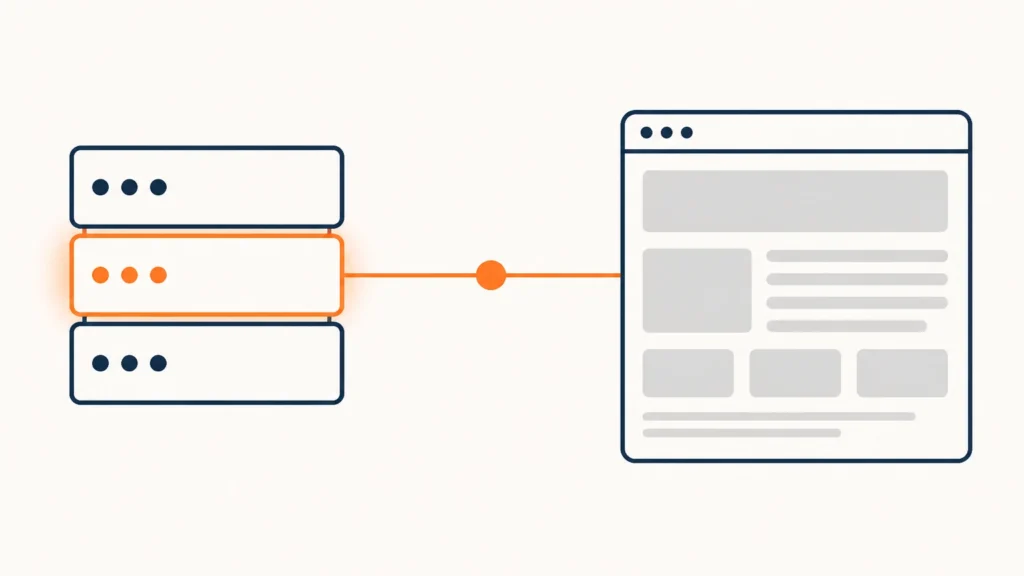
The most common trigger. A theme loads a font by linking to Google’s server — and on every page view the visitor’s IP address goes to that server, before they have clicked anything. The Munich Regional Court awarded €100 for exactly that on 20 January 2022 in case 3 O 17493/20.
It does not stop at fonts: icon sets, script libraries and widgets work the same way.
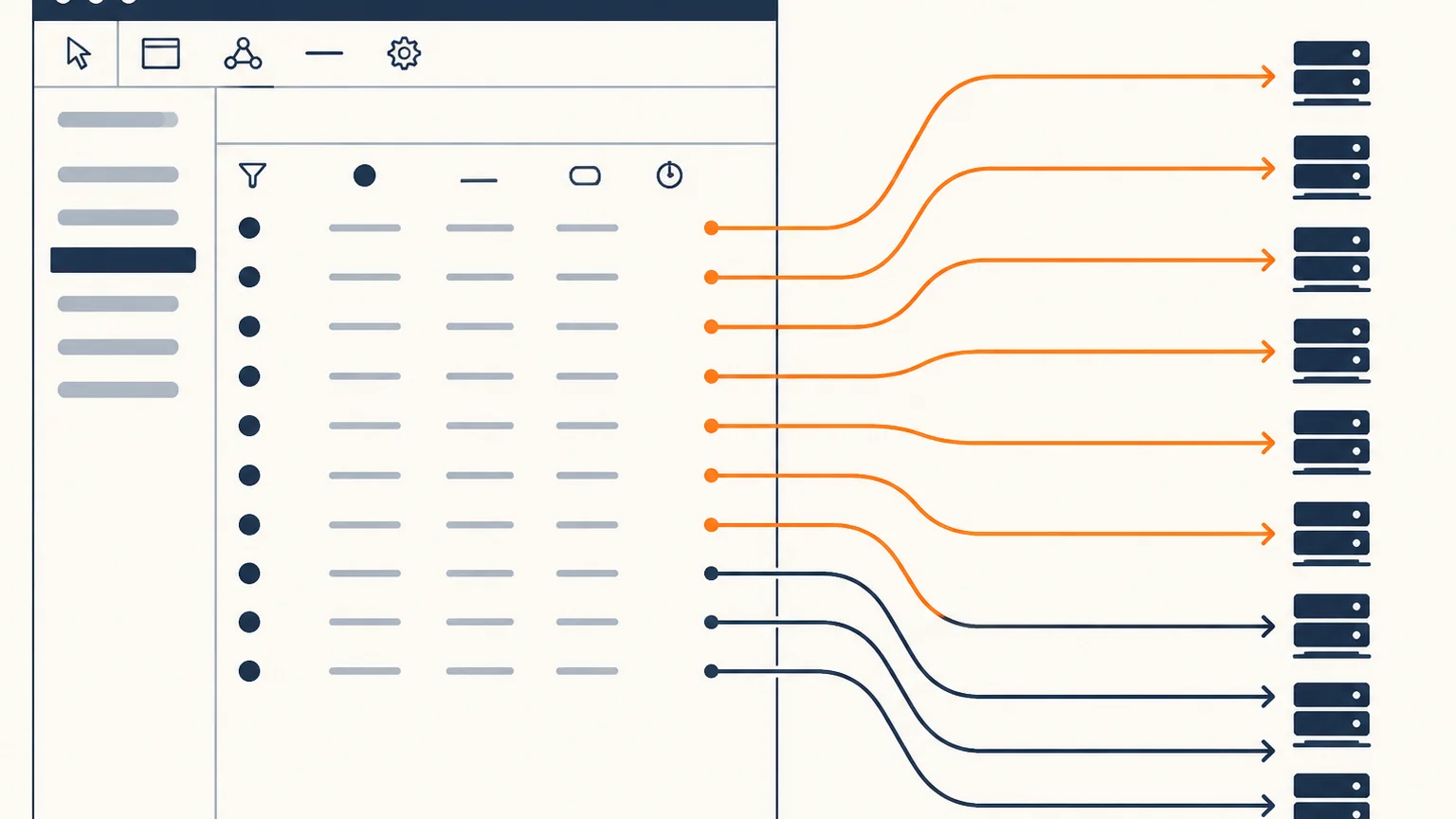
How to check. Open your site, press F12, go to the Network tab, reload. Sort by domain. Anything that is not your domain is a candidate.
How it is fixed. Fonts, icons and libraries get downloaded and served from your own server. It is a one-off job that also speeds the site up.
2. Maps, analytics and pixels that fire before consent
The classic picture: the cookie banner sits there honestly while the map and the analytics tag have already loaded. In that case the banner is decoration.
How to check. Open the site in a private window, do not touch the banner, look at the same Network tab. If there are already requests to maps, analytics or ad networks, your consent flow is not working.
How it is fixed. Scripts are held until the click. Consent plugins can do this, but they have to be configured, not merely switched on.
3. A cookie banner you cannot leave by refusing
“Accept all” is big and coloured. The refusal is a grey link in small type on a second screen. Familiar.
German data protection authorities set out the test in guidance of November 2024: the user must have options requiring equal effort to accept and to refuse. Not “the same colour”, but the same amount of work — the same number of clicks, the same attention.
How to check. Look at your banner through the eyes of someone who wants to refuse. How many actions does it take? If more than accepting, you have a problem.
How it is fixed. The refusal button moves to the first screen, next to accept, styled comparably.
4. An Impressum citing a repealed law
Here is the surprise. If your Impressum says “Angaben gemäß § 5 TMG”, you are citing a law that no longer exists.
The Telemediengesetz has been repealed. Since 14 May 2024 the Digitale-Dienste-Gesetz applies, and the mandatory details sit in § 5 DDG.
The substance barely changed — the edit is editorial. But a citation to a defunct act looks exactly like what it is: a site nobody has touched in years.
How to check. Open your Impressum page and search for “TMG”. While you are there, check the contents: name and address, legal form and representatives, email, register and registration number, chamber and professional title for regulated professions, VAT or tax number.
How it is fixed. Replace the citation with § 5 DDG, or drop the reference to the provision altogether. Confirm every mandatory detail is present.
5. Forms that collect data silently
The form asks for a name, a phone number and a description of the task. No consent tick, no link to a policy. The data has gone somewhere the visitor cannot see.
How to check. Open every form on the site and look: is there a link to the privacy policy nearby, is it clear what happens to the data?
How it is fixed. A link to the policy next to the submit button. A checkbox, if your process needs one — worth checking with a lawyer, because the requirements differ depending on your legal basis for processing.
6. A privacy policy from a 2019 template
It exists, it is long, and nobody has read it — including whoever installed it. The duty to inform comes from Articles 13 and 14 GDPR, and the text has to describe what happens on *your* site, not on an abstract one.
How to check. Search the page: does it mention services you dropped long ago? Do the words “TMG”, “TTDSG” or “Telemedien” appear? The second act was renamed too — since May 2024 it is the TDDDG.
How it is fixed. The text is rewritten to match the services actually in use. Generators for this exist, but the output is still worth showing to a lawyer.
7. Embedded video that phones home on load
A clip from a video host, embedded the ordinary way, starts talking to the host’s server the moment the page opens — even if nobody pressed play.
How to check. The same Network tab, on a page with video, before you click.
How it is fixed. Either the host’s enhanced privacy mode, or a swap: show a still image first and load the real player on click.

The order worth doing this in
Not all at once. If you are starting, start with the biggest effect for the least time:
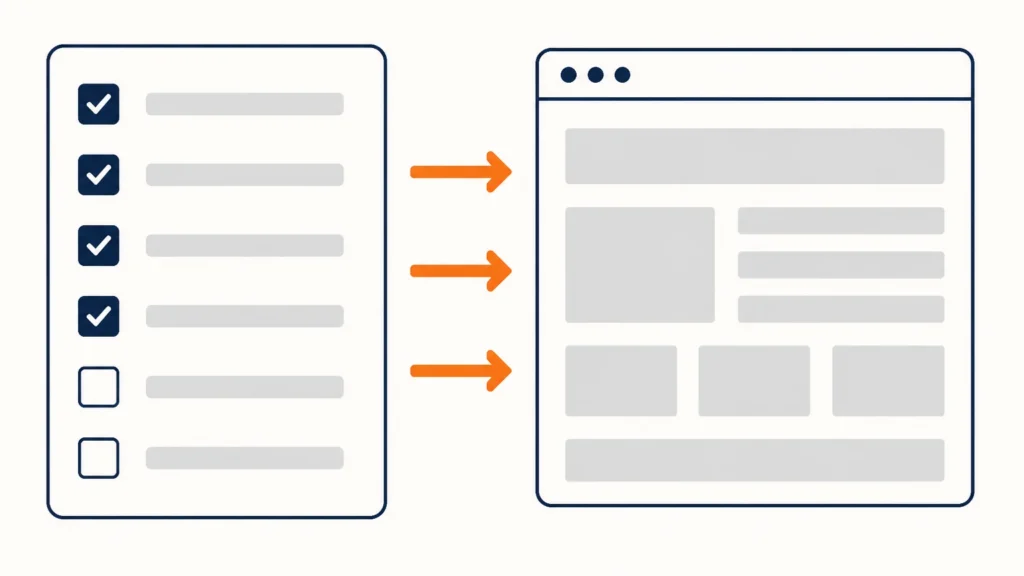
- Remove external fonts and libraries — the most common trigger and the easiest fix.
- Hold scripts until consent.
- Give the banner an equally easy refusal.
- Update the Impressum.
- Update the privacy policy.
- Check the forms.
- Move video to deferred loading.
The first three cover most of the usual complaints.
If the letter has already arrived
Then the order is different, and it has its own article: “An Abmahnung arrived because of your website. What to do in the first 48 hours”.
And if you would like someone to go through the site and produce the list of what needs fixing, that is the Growth Audit: one week, the price known in advance, and the plan is yours either way.
If you would rather just get a sense of the scale first, send me the address for a free website check: I send a report within two working days, with no call and no obligation.
I have put the twelve reasons a website fails to bring in enquiries into a separate checklist — you can run it against your own site in twenty minutes without me. The sign-up form is on the home page, in the “You have a site. Where are the leads?” block.
This is technical preparation of a website, not legal advice. For how the rules apply to your particular case, talk to a lawyer.
Sources
- § 5 DDG — mandatory details on a website
- § 25 TDDDG — consent for access to information on a user’s device
- Article 13 GDPR — information to be provided when collecting data
- LG München I, 20 January 2022, case 3 O 17493/20 — Google Fonts
- German data protection authorities: guidance on digital services, November 2024 (PDF)
- IT-Recht Kanzlei: what changed when the TMG and TTDSG were replaced
Checked on 26 July 2026.