A website builder is a perfectly good tool. The problem is not that a site was built on one — it is that the decision gets made once and for all, while the business changes over three years. Here is where the ceiling sits, and how to tell you have reached it.

Where a builder is the right choice
Honestly and without hedging: if you need a simple brochure site, a builder beats hiring someone. Cheaper, faster, and you can change your own phone number without waiting for anyone to answer an email.
It handles these well:
- a brochure site: who you are, what you do, how to get in touch;
- a page for one event or one product;
- a portfolio for a photographer, designer or craftsman;
- a first version to test demand before investing;
- a personal page where speed matters more than fine control.
If your job is on that list, take the builder and do not overpay. Three or four evenings and the site is live.
Where the ceiling starts
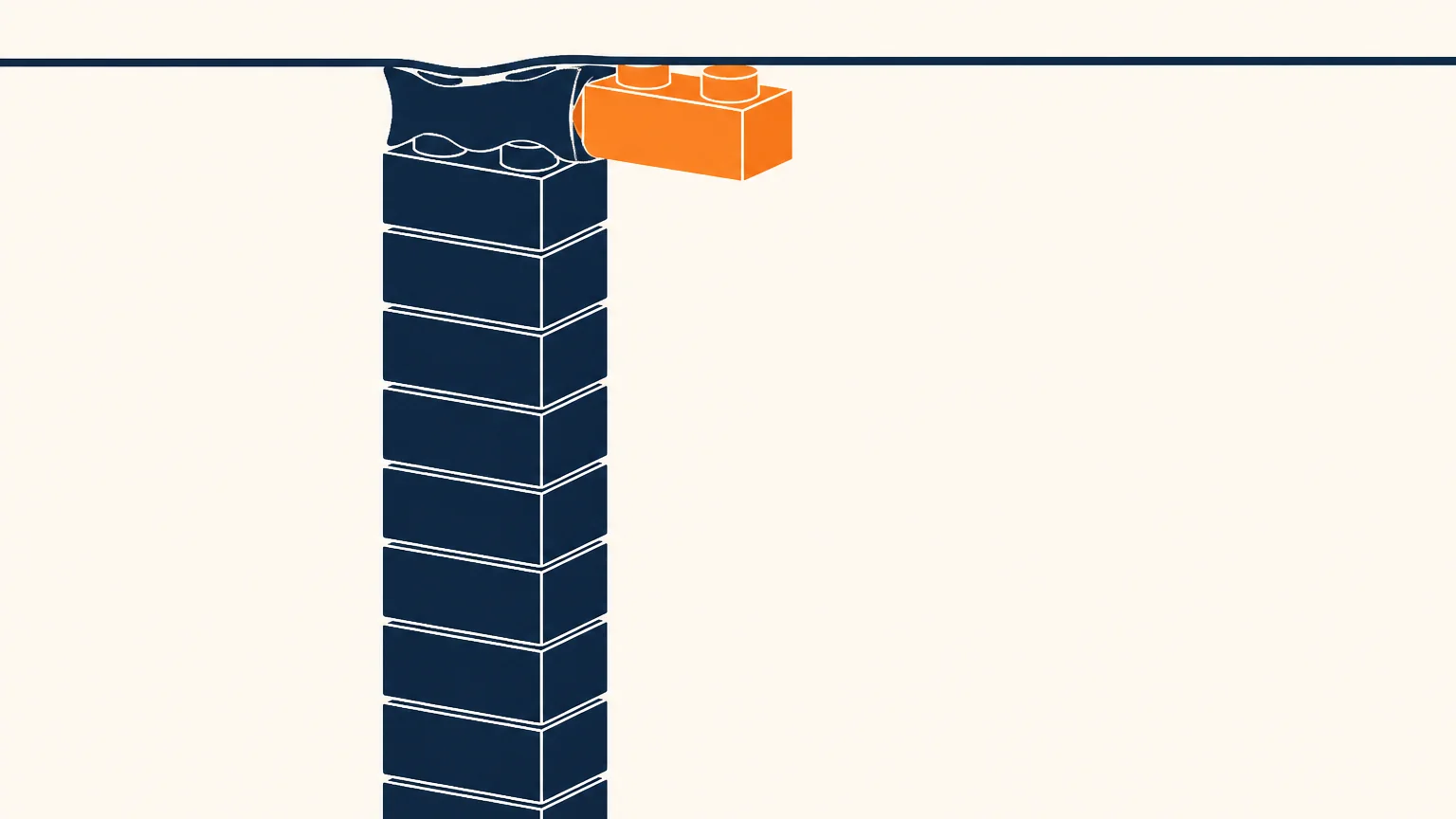
Problems appear not because the builder is “bad” but because the job outgrew its frame.
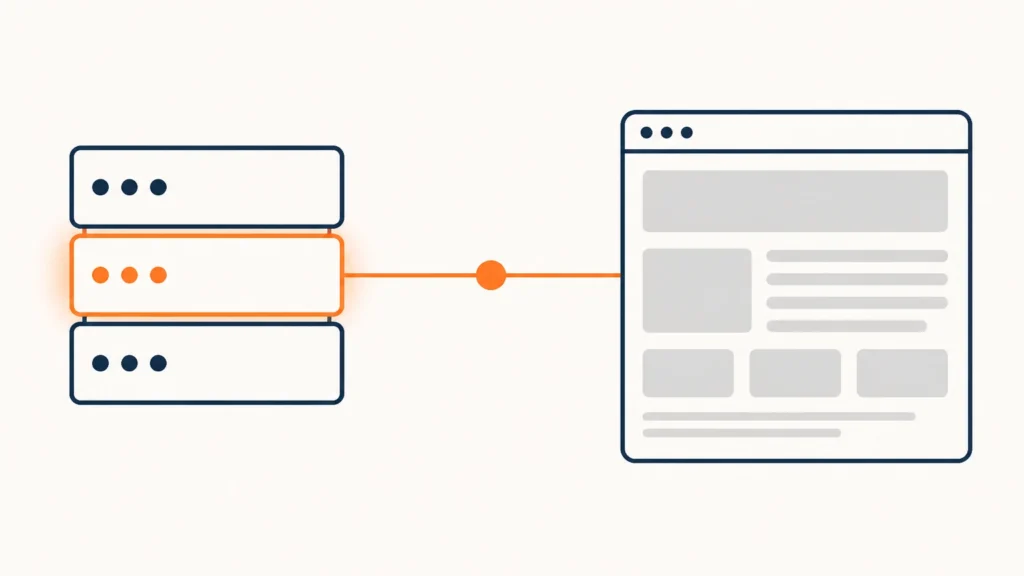
Integrations with other systems. As long as you only need to send an email, all is well. The moment an enquiry has to land in a CRM, and from there in your accounting, and from accounting into an invoice, the limits appear: only what the platform’s developers anticipated will work.
Speed and technical SEO. Builders generate universal code. It is designed so that anything works for anyone, and is therefore heavier than it needs to be. There is almost no way to influence that from inside.
Non-standard scenarios. A price calculator, filtering by parameters, a customer account area, multilingual content with your own rules — you end up shaping the requirement to fit what the platform permits.
Meeting local requirements. A cookie banner with an equally easy refusal, no external fonts, accessibility — all of it depends on what the platform lets you configure. Sometimes it does; sometimes it does not.
The boundary is not about how pretty the site is. It is about how many other systems need to talk to it.
What actually happens when you migrate
This is the unpleasant part, and it is usually not considered in advance.
Page addresses. Every platform has its own URL structure. On migration the addresses change, and everything a search engine knew about you resets — unless you set up redirects from the old addresses to the new ones. It can be done, but the more pages you have, the more it costs.
Content. Text can be copied. Layout almost never: builder blocks do not exist outside the builder. Pages get rebuilt from scratch.
Forms and their history. Enquiries stored inside the platform usually export to a spreadsheet, and sometimes do not export at all. Conversation history with customers does not travel that way.
Integrations. Everything that was connected gets connected again — with different keys and different settings.
Domain and email. If the domain was bought inside the platform, it has to be released first, and that is a separate procedure with its own timescales.

How to tell you are at the ceiling
Five signs. Recognise three or more and it is worth costing the migration now, while it is cheaper.
- You pay more for platform apps than hosting would cost.
- You regularly hear “this platform can’t do that” — from a contractor, from a marketer, from yourself.
- Enquiries have to be moved by hand from one place to another.
- You have passed fifty pages and they keep coming.
- A second language has appeared — or is about to.
The point of no return is not when it becomes inconvenient. It is when the accumulated content and connections make migrating cost about as much as building afresh. Usually that is year two or three.
What to ask before you start
If you are still choosing, four questions to the platform or the contractor will save a lot of time later.
- Can the site’s content be exported in full? Not “is there an export” but in what form: a spreadsheet of text is one thing, a complete archive is another.
- Whose name will the domain be in? The answer must be “yours”, with no alternatives.
- Where do enquiries go? If only inside the platform, the history stays there when you leave.
- What happens if you stop paying? Some platforms simply switch the site off; others leave it readable. The difference matters.
The answers will not make a builder a bad choice. They will just show you what you are signing up to.
What is worth doing either way
Whether you stay on a builder or not:
- Check whose name the domain is in. If it is the contractor’s or the platform’s, that is the first thing to fix. In detail: “Check who your domain is registered to”.
- Use your own CRM, not the built-in one. Then your customer history survives any migration.
- Keep the text separately. A plain document with your page content saves weeks on any rebuild.
- Count your page addresses. At thirty pages, migration is a day’s work. At three hundred, it is a project.
If you are deciding right now
Answer one question: how many other systems will need to talk to the site a year from now? If none or one, take the builder — that is sensible. If three or more, cost out the migration and weigh it against today’s price difference.
What a site built for integrations from the start looks like is set out in the Growth Website service. And if you are not sure which case you are closer to, that is where the audit begins: one week, the price known in advance, and the plan is yours whether or not we end up working together.
If you would rather just get a sense of the scale first, send me the address for a free website check: I send a report within two working days, with no call and no obligation.
Checked on 26 July 2026.